Welcome to the Captaincy

You said yes first. Your child got excited. The other nine families trusted you to lead.
Now the pod is real—and you're the Captain.
This checklist is your map. Follow it in order, and everything will run smooth.

Confirm Your Families
Before anything else, make sure everyone is real.
-
All 10 families have registered on the portal
-
All 10 deposits are confirmed
-
All 10 parents have joined the Pod Parent Group (WhatsApp, Signal, or whatever works)
-
You have names, phone numbers, and backup contacts for every family
Don't move forward until every box is checked.
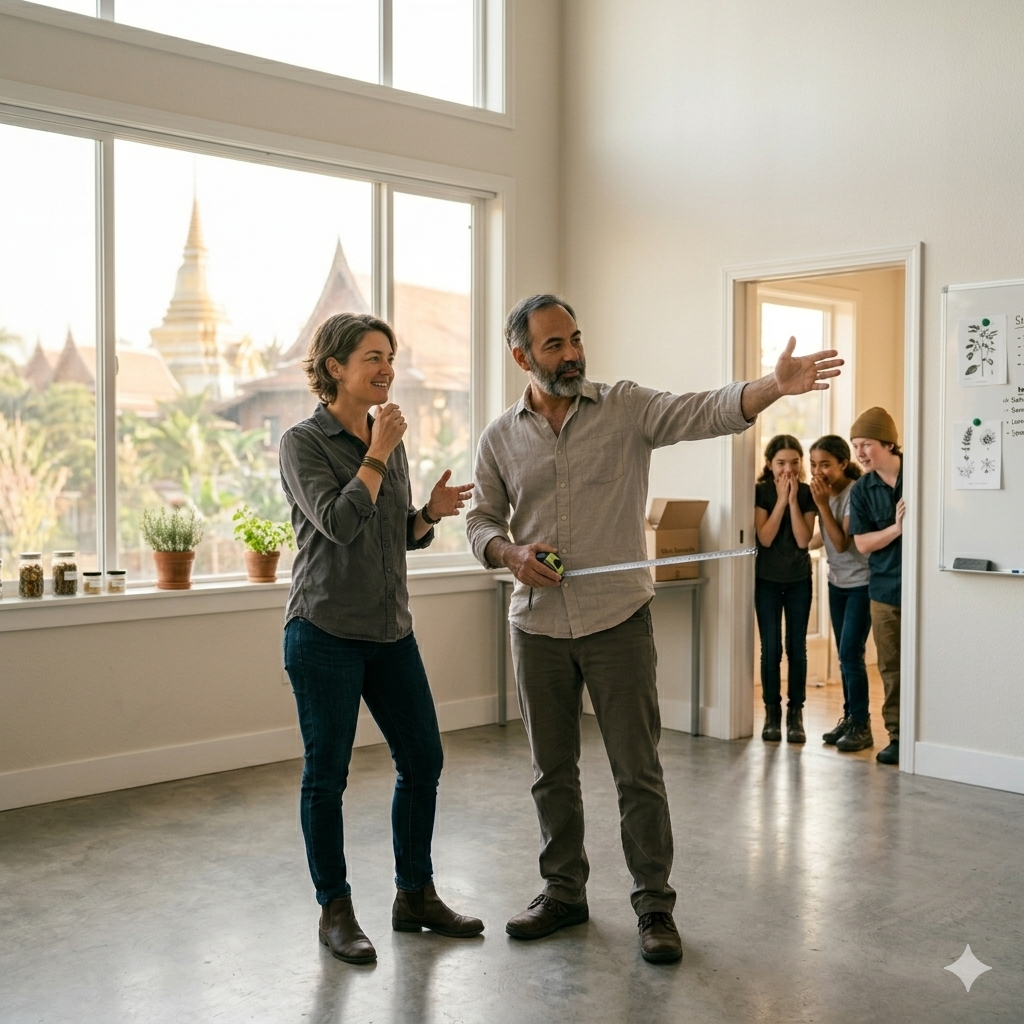
Choose Your Location
The pod needs a home.
Options:
-
Someone's living room (most common)
-
A community space (church, library, clubhouse)
-
A small rental space (split 10 ways, it's cheap)
Questions to answer with the group:
-
Whose space works best?
-
Is there enough room for 10 workstations + wall screen?
-
Is parking available?
-
Is it safe and accessible for all kids?
Vote as a group. Majority wins. Move on.
.
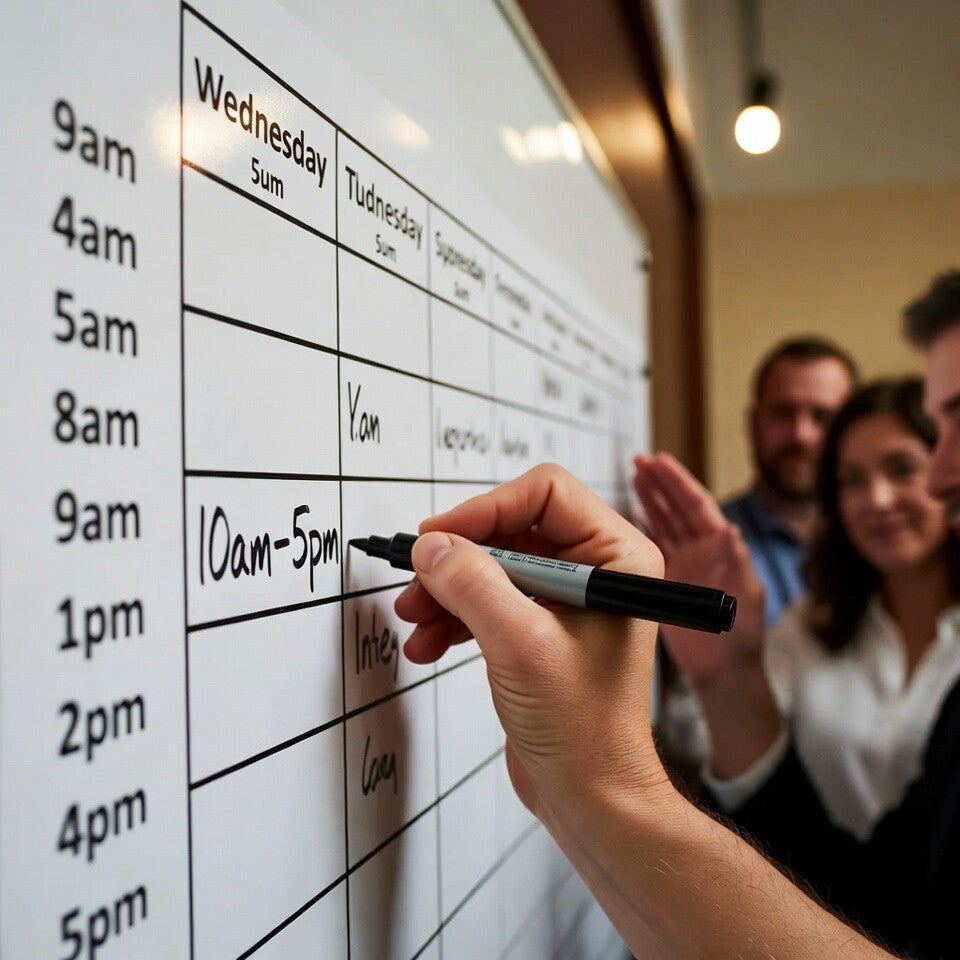
Set the Schedule
Decide together:
-
Start time (most pods do 10am)
-
End time (most pods do 5pm)
-
Lunch break (usually 1pm–2pm)
-
Which days? (Mon–Fri is standard)
Write it down. Everyone agrees. No surprises.
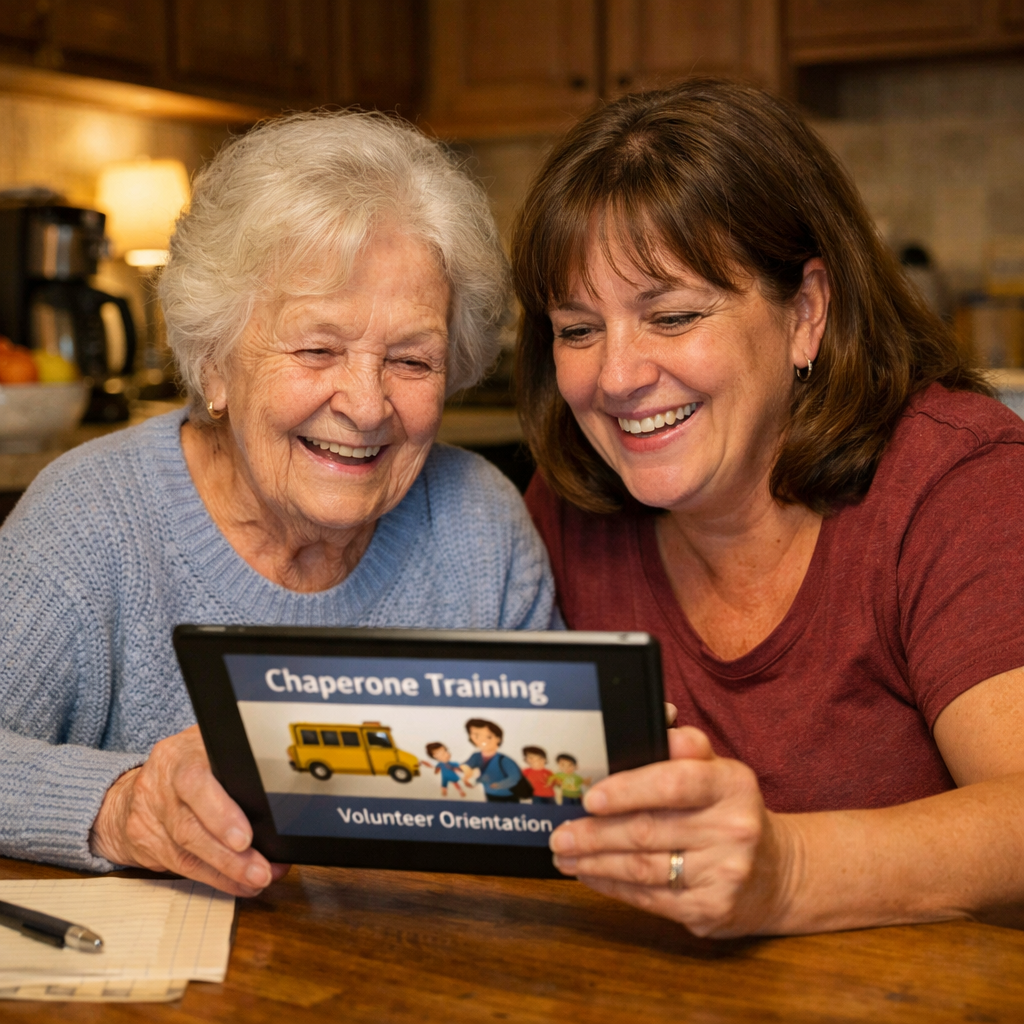
Assign Chaperones
Every pod needs at least 3 trusted adults trained and ready.
-
Identify grandparents, aunts, uncles, trusted neighbors
-
Collect names and contact info
-
Send them the Chaperone Training link (2 hours online)
-
Confirm they've completed it
-
Build the rotation schedule
No adult in the room = no pod that day. Take this seriously.
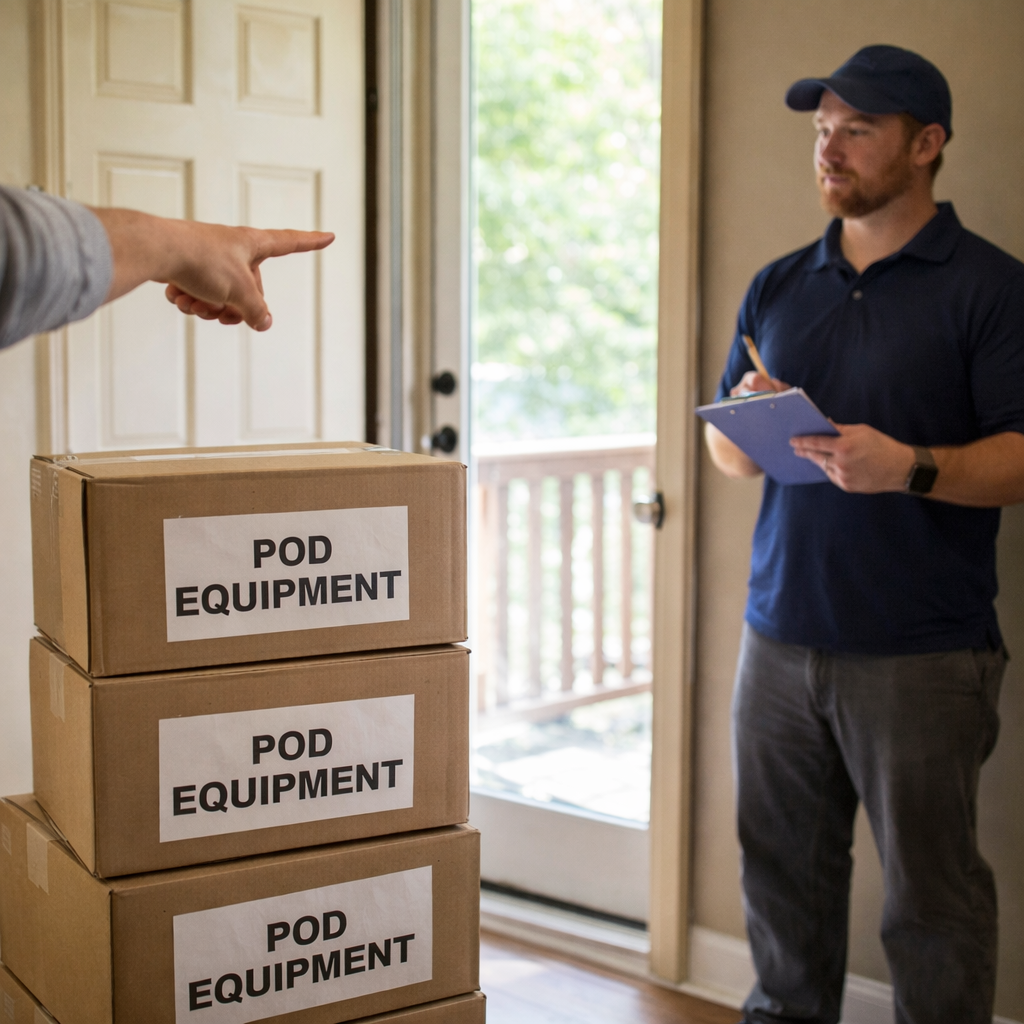
Confirm Hardware & Installation
We handle the hardware. You just need to confirm details.
-
Installation date confirmed (our team will coordinate)
-
Location address double-checked
-
Someone over 18 present for installation (you or another parent)
-
Power and internet ready (standard home internet is fine)
Installation takes about 4 hours. Clear the space beforehand.
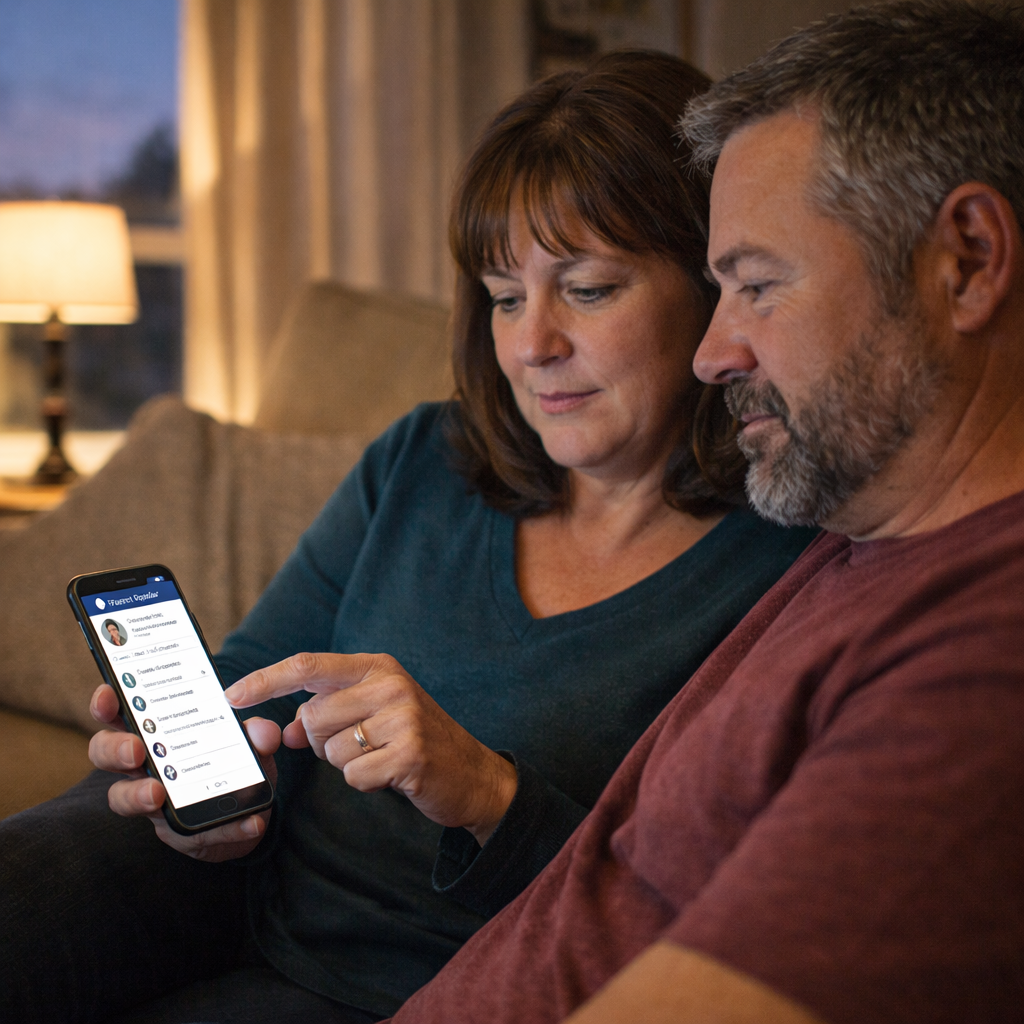
Set Up the Parent Portal
Every parent needs access.
-
All 10 parents have downloaded the Parent Portal app
-
All 10 have logged in at least once
-
All 10 know how to check the daily Sovereign Audit
-
All 10 understand the Override button
If a parent can't use the portal, sit with them until they can.
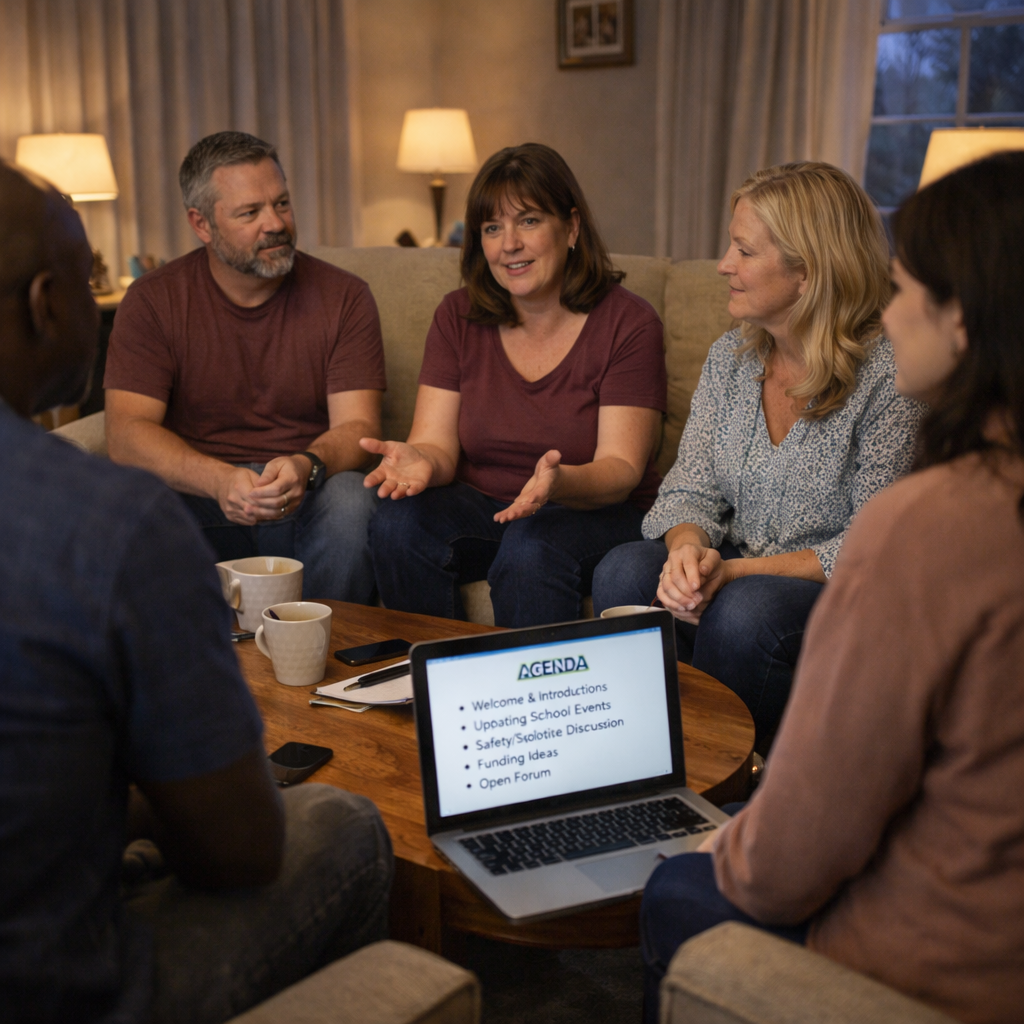
Hold a Pod Parent Meeting
(Before Day 1)
Gather all parents—in person or on video call—for one hour.
Agenda:
-
Welcome & introductions
-
Review the schedule
-
Review the chaperone rotation
-
Talk through the Three Strike Rule (everyone agrees)
-
Discuss food/snacks (who brings what)
-
Emergency contacts & medical info (share privately)
-
Q&A
Everyone leaves that meeting aligned. No loose ends.

Kids Meet Their Mentor (Before Day 1)
The night before launch, have each kid open their phone and meet their mentor for the first time.
Just 5 minutes. A hello. A smile. The beginning.
The mentor will handle the rest.

Launch Day
Morning of Day 1:
-
Space is clean and ready
-
Chaperone is present (30 minutes early)
-
Phones charged
-
Snacks/water available
-
Big screen on
-
Take a photo (optional—but you'll want it)
Then step back.
The mentor starts. The kids work. You watch something begin.

First Week Check-In
End of Week 1:
-
Parents meet briefly (30 minutes)
-
What's working? What's not?
-
Any issues with the space? Schedule? Chaperones?
-
Adjust as needed
The first week is never perfect. That's fine. Just adjust.

The Captain's Reward
You don't get paid extra. You don't get special treatment.
But you get something better:
You get to watch 10 kids—including yours—build something real. Together. In a room you made possible.
That's the reward.

Still Stuck?
Every pod is different. If something on this list doesn't fit, adapt it.
But follow the order. Do the steps. Don't skip.
Do everything on this list in order, and everything will run smooth.
PLEASE CLICK THE BUTTON BELOW

Ascension Hive inc – 7901 4th St N, Ste 300, St. Petersburg, FL 33702, United States
© 2024 End of page.